What works
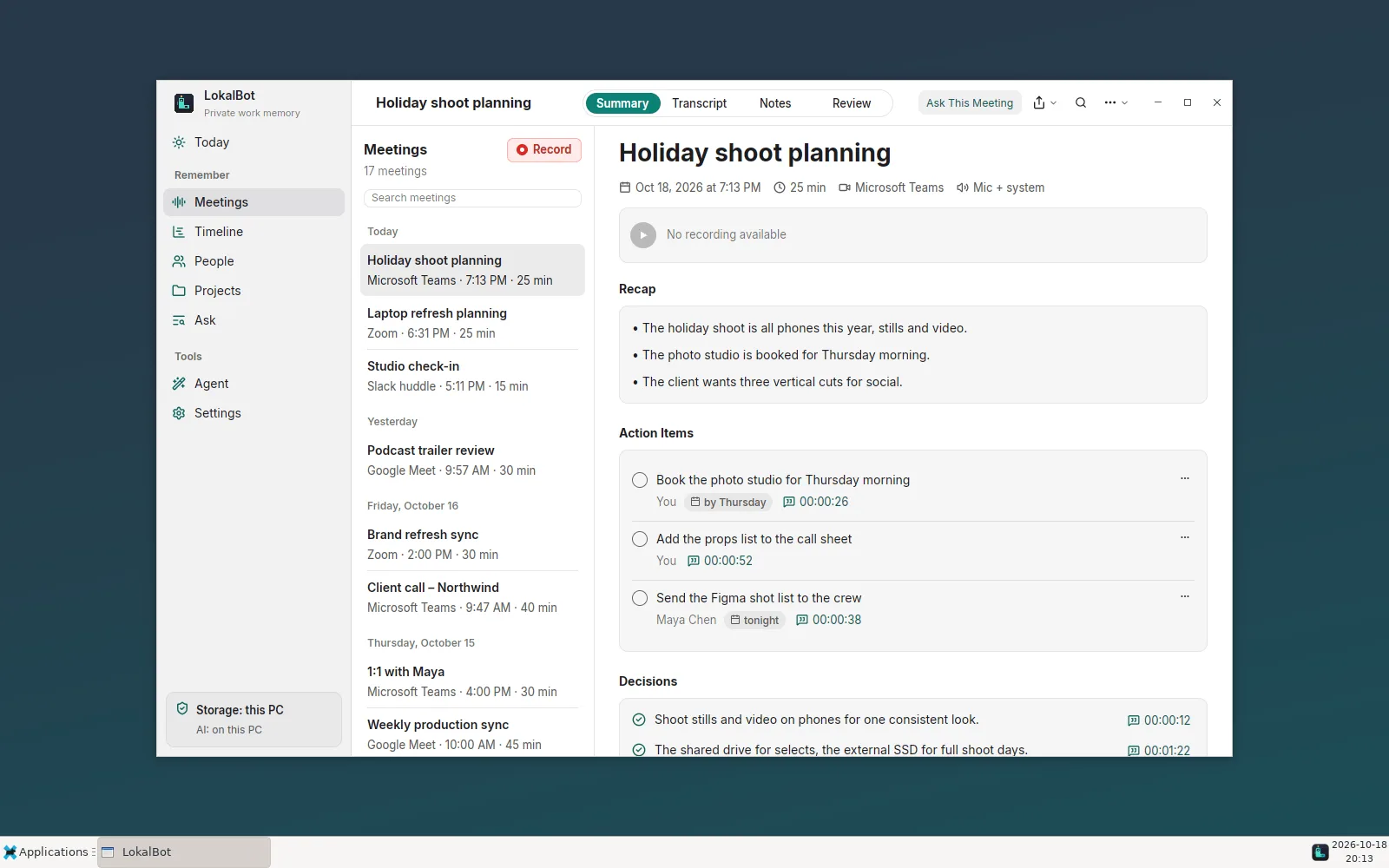
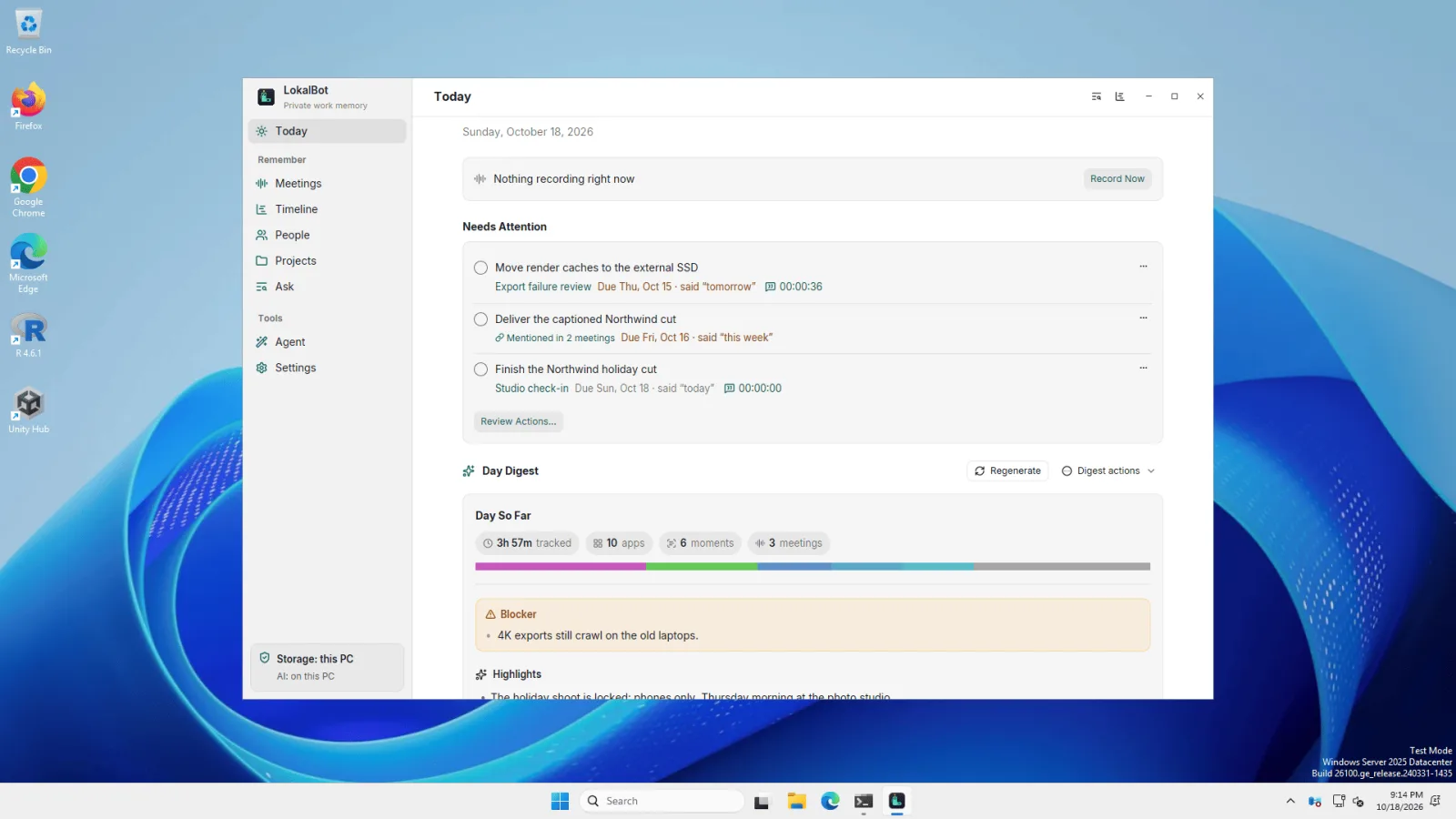
The Windows and Linux app is written in Rust with GPUI, the UI framework behind the Zed editor. Meetings, transcription, Ask, search, day memory, screen context, dictation, autocomplete, calendar, Agent Mode, and the CLI and MCP server for coding agents all work. Like the Mac app, it runs its models on your computer by default, and it has no account and no telemetry.
What's still missing
- The Windows build isn't code-signed yet. SmartScreen asks before the first launch: choose More info → Run anyway.
- Wayland support is partial. Autocomplete in other apps needs X11; on Wayland it works in the practice editor in Settings. For dictation on Wayland, bind
lokalbot dictateto a shortcut in your desktop's settings. - Meeting audio is the whole computer's. On Windows and Linux LokalBot records everything the computer plays, not one app as on Mac.
- Some features are Mac-only for now: selection actions, meeting note export, Personal Context, spoken summaries, and coding-agent sessions in day memory.
The full list is in what works where.
The models
- Transcription: Qwen3-ASR 0.6B through sherpa-onnx, with Parakeet v3, SenseVoice, and Whisper turbo as options.
- Speaker separation: pyannote segmentation and TitaNet.
- Notes and Ask: Qwen3.5 4B, the same as on Mac.
- Search: EmbeddingGemma 2, the same as on Mac.
- Autocomplete: LFM2.5 1.2B.
The default download is about 4 GB. llama.cpp runs on a Vulkan GPU or the CPU, and since 0.11.3 you can choose CUDA (experimental) in Settings → Models → llama.cpp on a supported NVIDIA GPU. You can swap any model in Settings.
Install
- Windows 10 or 11, x64: run
LokalBot-<version>-windows-x86_64-setup.exefrom the latest release. It installs for your user, without administrator rights. A portable zip is in the same release. - Linux x86_64: install the
.deb(Debian, Ubuntu), the.rpm(Fedora, openSUSE), or the Arch package, or extract the.tar.gzand run./install.sh. Since 0.11.2 the.deb, and the.rpmon Fedora, add the LokalBot repository, sosudo apt upgradeorsudo dnf upgradebrings later versions.
Linux needs glibc 2.39 or later (Ubuntu 24.04, Debian 13, Fedora 40, or newer), PulseAudio or PipeWire, and a Vulkan or OpenGL driver. See the system requirements.
On Omarchy and other Hyprland desktops
Omarchy already has everything LokalBot uses on Wayland: grim for screen context, wtype and wl-clipboard for dictation, PipeWire for meeting audio, and the Hyprland desktop portal. Install the Arch package with sudo pacman -U, then bind LokalBot's commands in ~/.config/hypr/bindings.lua. These keys are free in Omarchy's defaults:
o.bind("SUPER + ALT + D", "LokalBot dictation", "lokalbot dictate")
o.bind("SUPER + ALT + A", "Ask LokalBot", "lokalbot quick-recall")
The tray icon appears in Omarchy's bar, and the dictation pill and Quick Recall float instead of tiling.
Tell us what breaks
Most testing so far has been on a handful of personal and rented machines, so reports from real hardware help the most. Open an issue with your distribution, desktop, X11 or Wayland, CPU and GPU, and what you tried.